Text watermark
Fonts, outline, shadow, background, letter spacing and opacity — every detail is adjustable.
Eight watermark types, batch processing for 30 photos, moving video watermarks, a check-in stamp that fills in time and place, plus eight video tools. Everything rendered right on your iPhone — nothing uploaded.
iOS 17+ · No account needed · On-device processing

Moving video watermark
Watermark kit
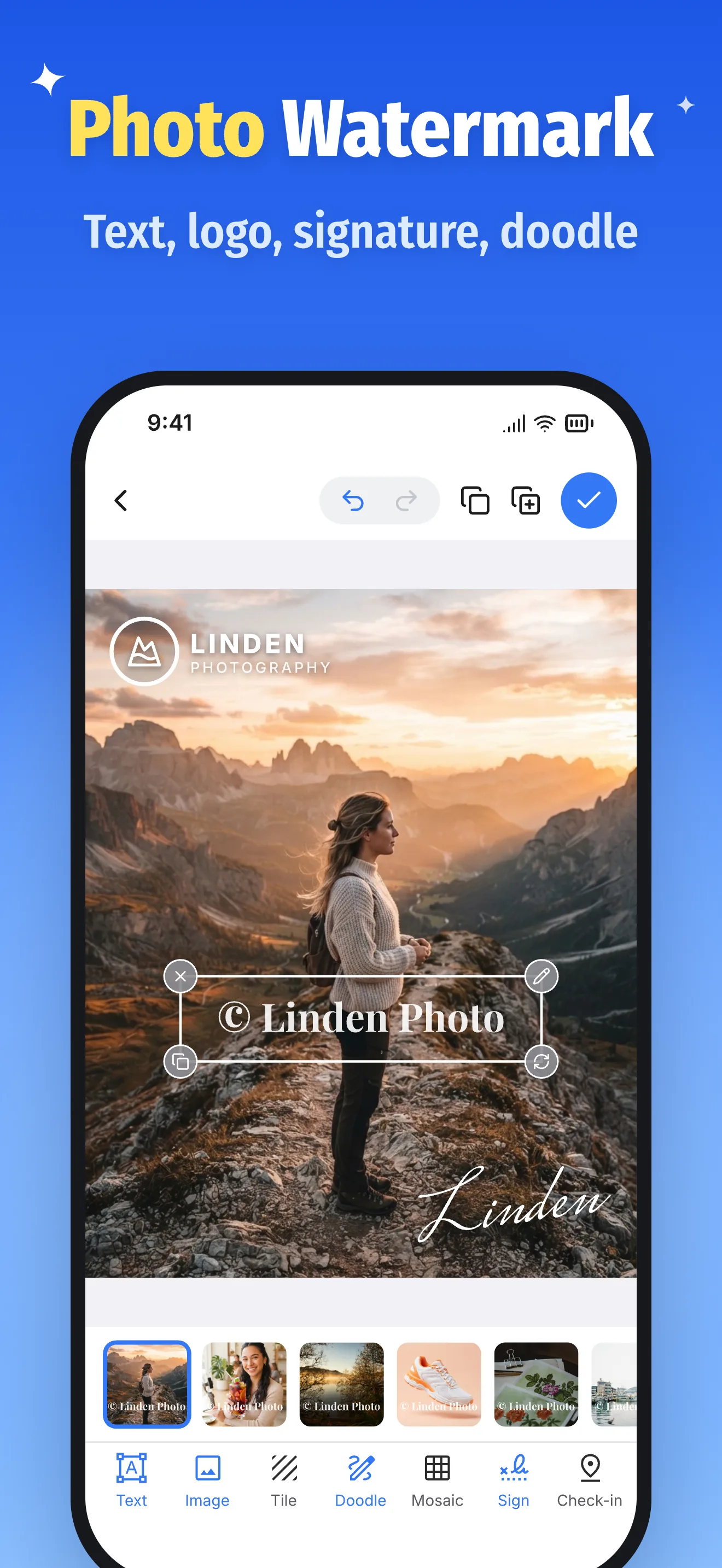
Stack text, logos, tiles, motion, signatures, doodles, mosaics and check-in stamps in a single canvas — then drag, scale and rotate each layer.
Fonts, outline, shadow, background, letter spacing and opacity — every detail is adjustable.
Pick an image from your library, snap it to any of 9 anchors, then blend and fade it.
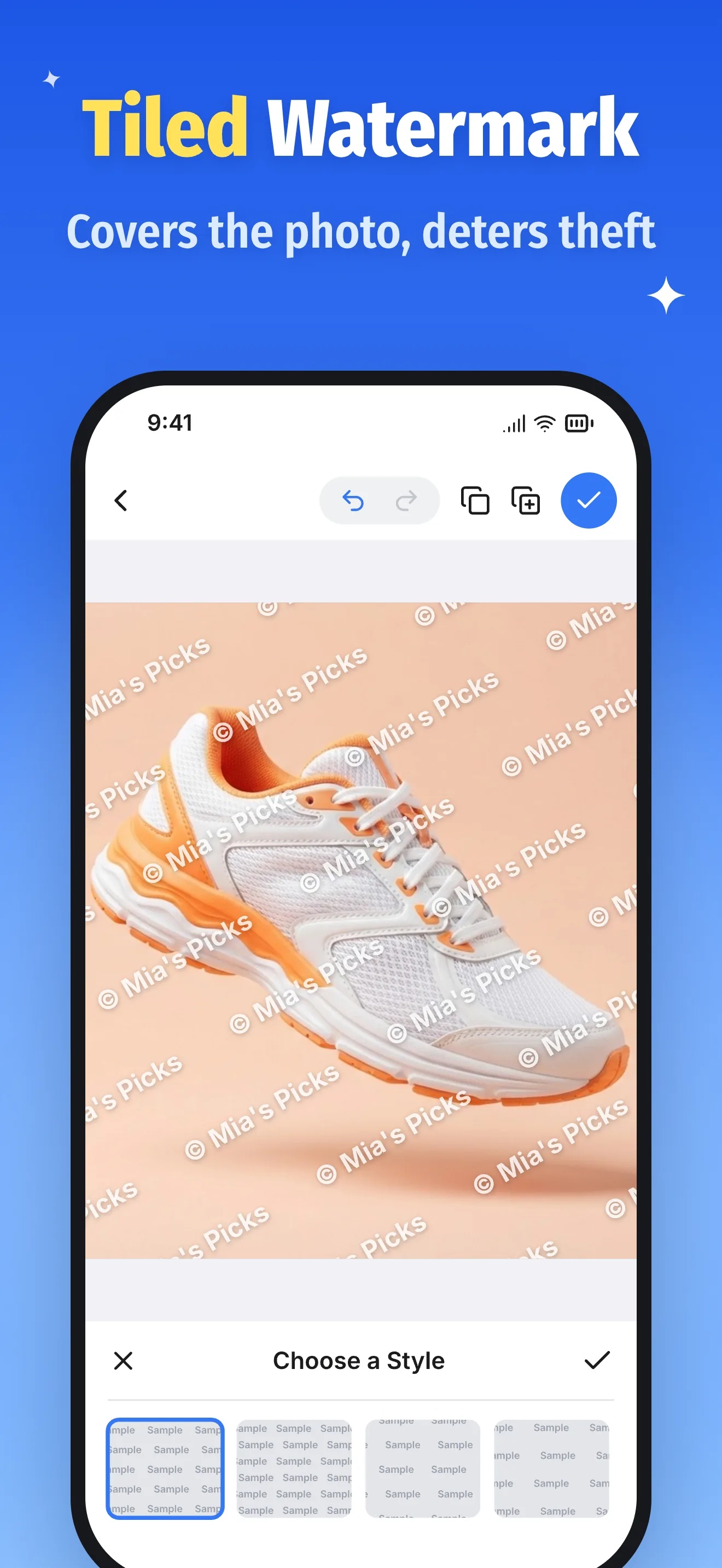
Grid or free layout, four directions and several line styles to cover the whole frame.
Text travels along square, diamond, X or random paths so it can't be cropped away.
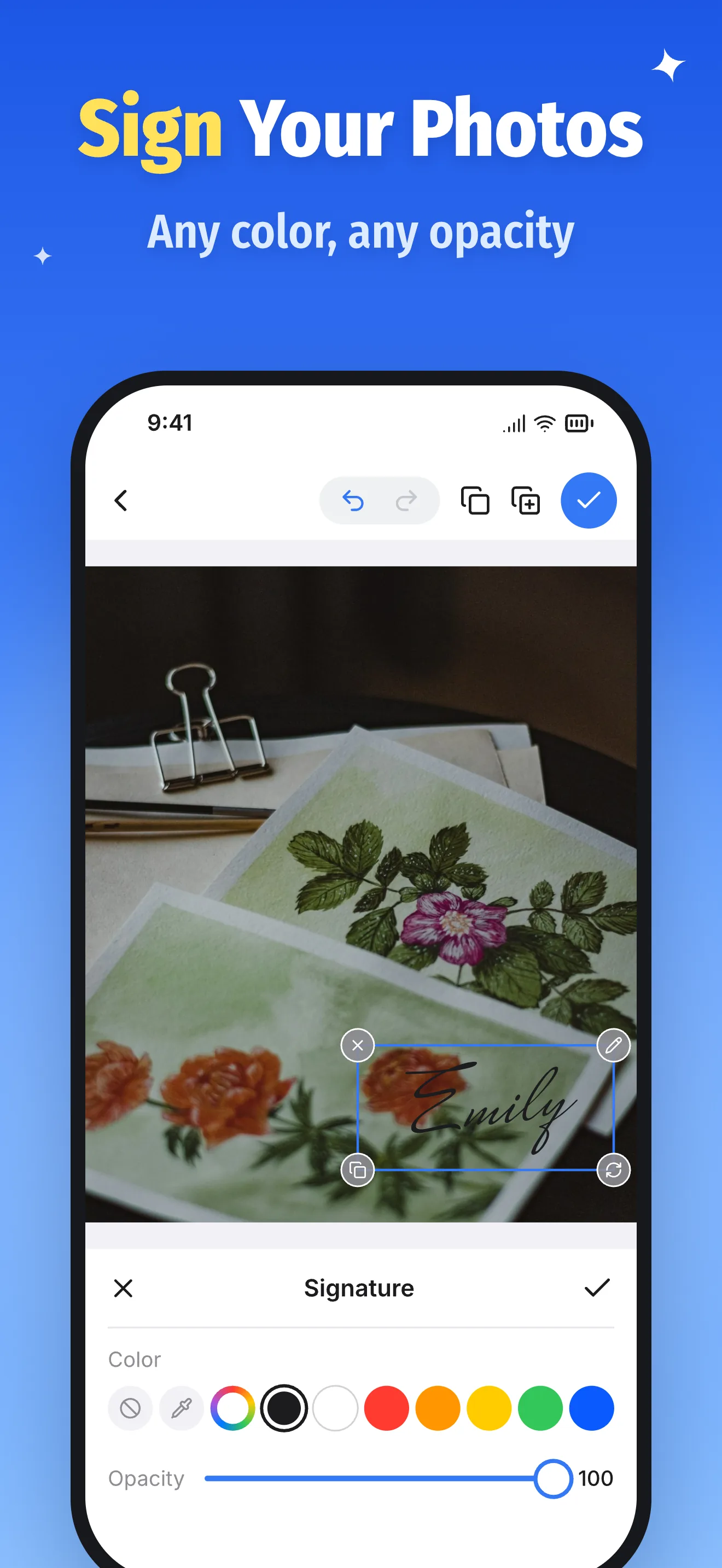
Write on a full landscape canvas; strokes stay sharp at any size.
Six brushes plus a text brush for circling details, arrows and artistic lettering.
Brush over faces, plates or ID numbers before you share — privacy in seconds.
Auto-fill time, address, weather and altitude for credible work records.
Dynamic watermark
On video, a text layer can travel continuously across the frame. Fixed corner marks get cropped; a moving one stays on screen the entire clip and makes re-uploading your work far less attractive.
Video toolbox
Trim a highlight, reframe for social, slow it down or turn it into a Live Photo — all without leaving the app.
Drag the handles to keep just the moment that matters.
Six ratios with thirds guides and freehand corner handles.
Reframe to 9:16, 1:1 or 4:3 and fill with color, blur or an image.
0.1x to 10x with a dial slider and optional pitch correction.
Pre-renders a reversed clip and previews it instantly.
Scrub the thumbnail strip or pick a still from your library.
Three levels with a live before-and-after size estimate.
Convert any clip to a Live Photo for your lock screen.
30
photos in one export
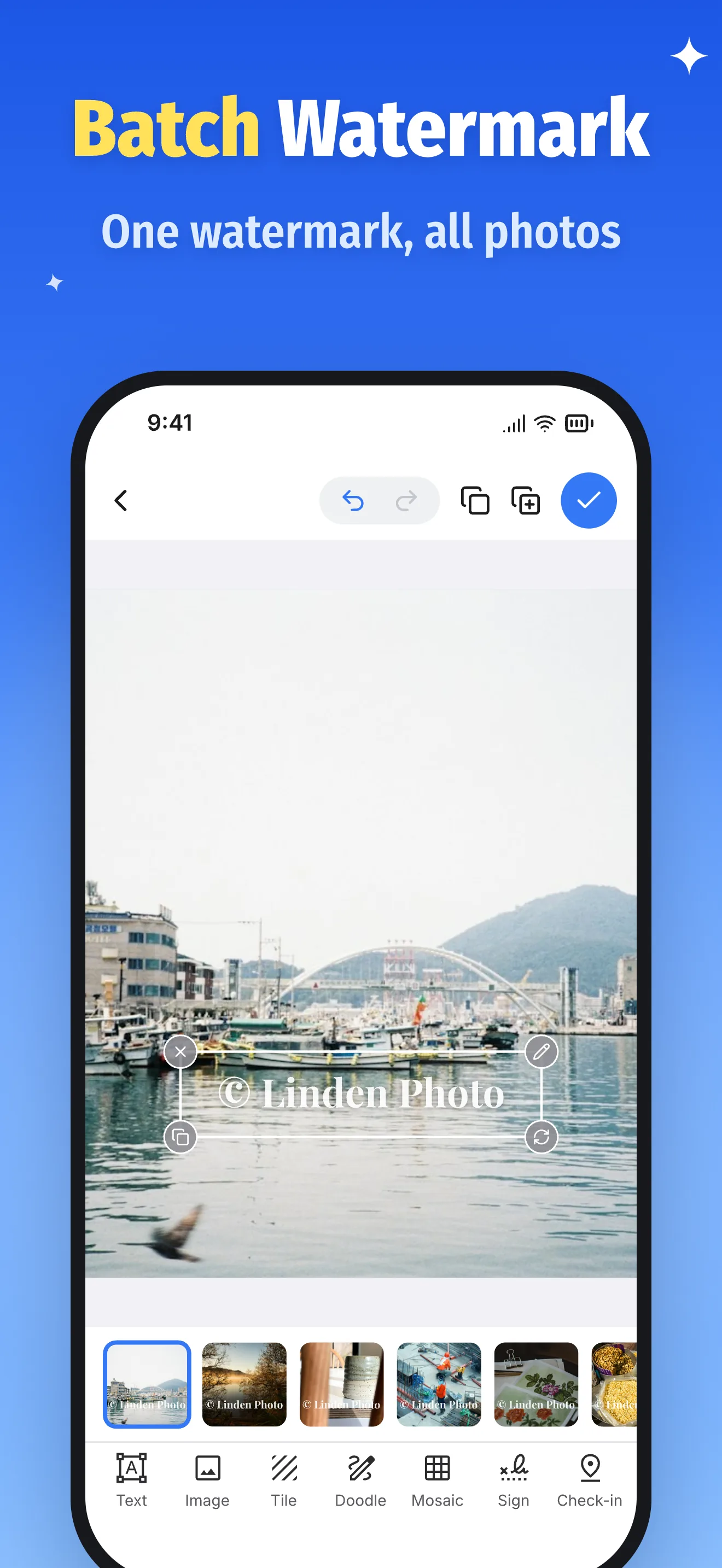
Batch processing
Design the watermark once, apply it to a whole set, and export everything in a single run. Each file is processed independently, so one failure never blocks the rest.
Check-in stamp
For site inspections, field work and daily reports, the stamp pulls live data into the photo — no typing, no disputes later.

Templates
Start from a template built for outdoor work and check-ins, or save your own layout and reuse it forever.
28 built-in work and check-in templates
Save, rename, search and delete custom templates
Every layer and style is preserved when you apply one
Use cases
Photographers, sellers, field crews and creators all end up in the same editor — for different reasons.
Sign every frame, add a repeating SAMPLE layer and keep the originals out of circulation.
Apply one logo-plus-caption style to 30 product shots before they go live.
Time, address, weather and altitude are stamped automatically at each site.
Let your handle travel across the frame so re-uploads are worthless.
Real screens
Screenshots taken straight from the app, in your language.
01Moving video watermark
02Photo watermark
03Tiled watermark
04Time & location stamp
05Handwritten signature
06Batch watermark
FAQ
Everything you might want to know before your first export.
Watermark Master runs on iPhone with iOS 17 or later. The interface is localized into nine languages.
Every render happens on your iPhone. Browse the full feature list to see how it fits your workflow.
iOS 17+ · No account needed · On-device processing